GitHub Actions, on the Mac you already own.
Every job gets a fresh macOS, Ubuntu or Windows VM on your Mac, deleted the moment the job ends.
Version 0.3.2, 281 MB. Requires an Apple Silicon Mac with macOS 15 or later.
- pushyour-org/app@main
- queuedruns-on: vectis-macos-26-arm64
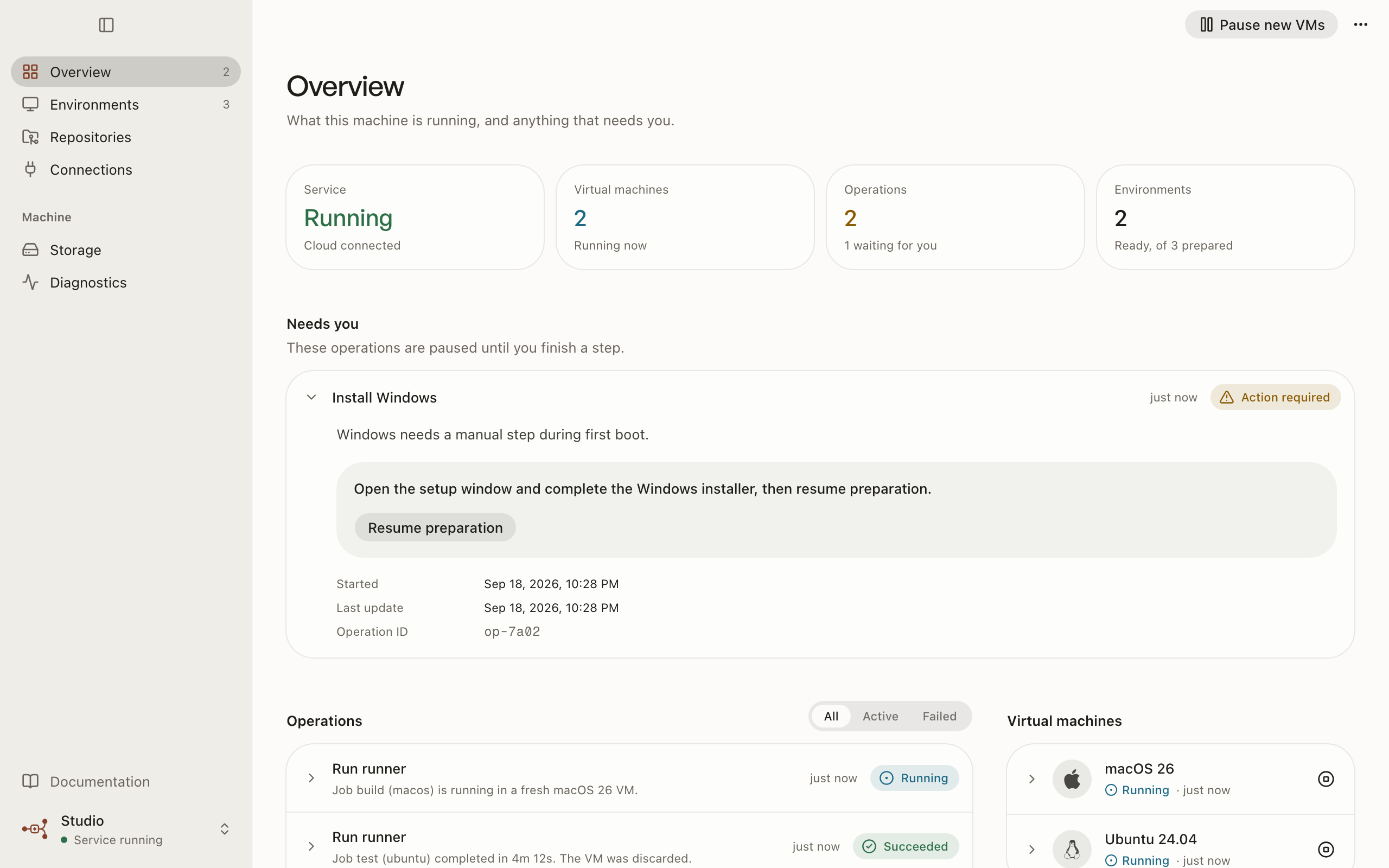
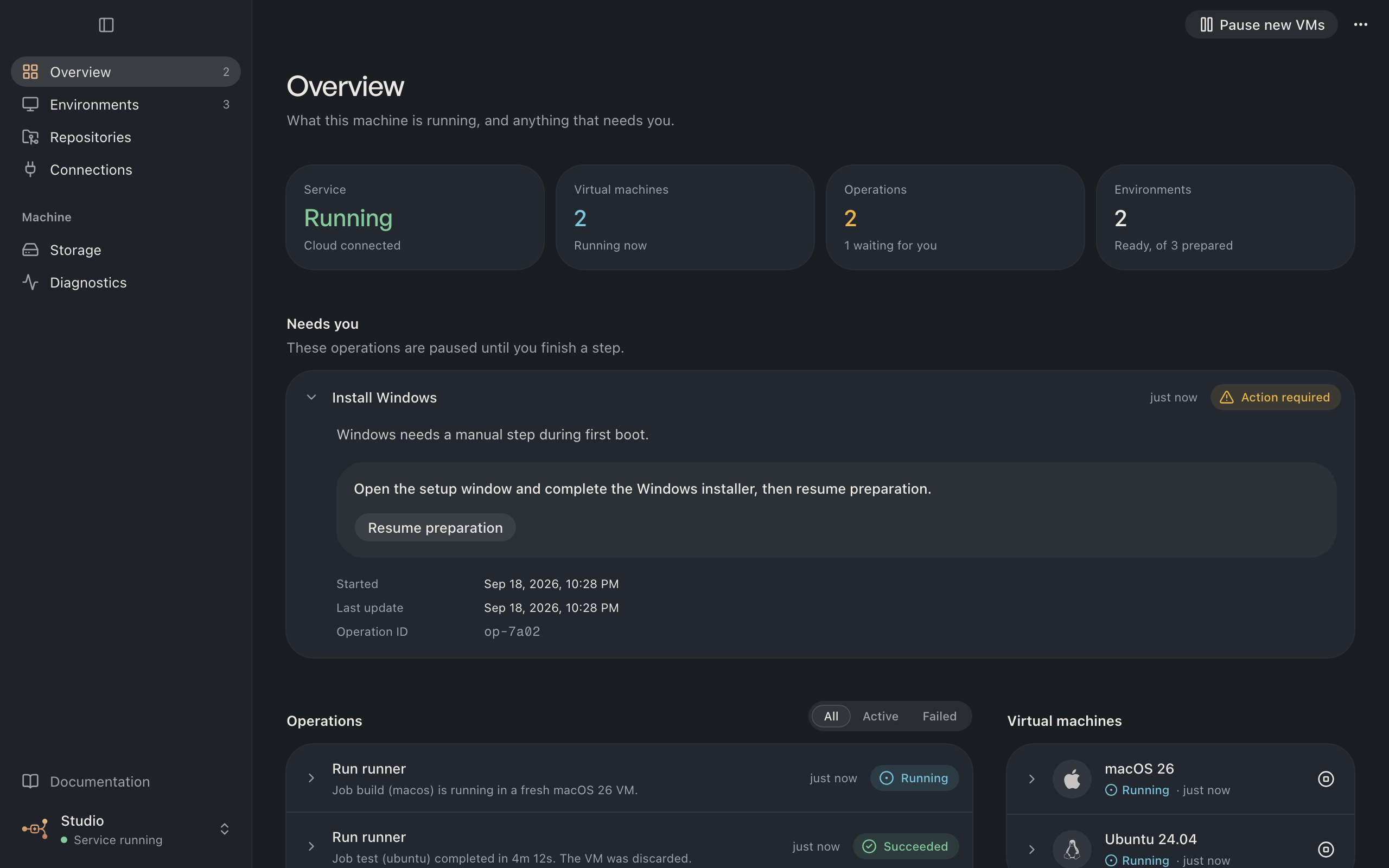
- runningfresh macOS 26 VM, 6 CPU, 12 GB
- succeededjob finished
- cleaned upVM deleted, runner removed
How a job runs
Every job starts from a clean machine.
- 01
GitHub queues a job.
Your workflow asks for vectis-macos-26-arm64. Vectis notices the demand on its next heartbeat, or you start a runner yourself.
- 02
A fresh VM boots.
Vectis clones your prepared image into a disposable virtual machine with the CPU and memory you chose.
- 03
One runner takes one job.
The official GitHub Actions runner registers just in time with a single-use configuration, then runs that job and nothing else.
- 04
Nothing is left behind.
The VM is stopped and deleted, and the runner registration is removed. If cleanup cannot be confirmed, Vectis tells you instead of guessing.
op_7c1e accepted op_7c1e running preparing_guestop_7c1e running registeringop_7c1e running listeningop_7c1e running cleaningop_7c1e succeeded Guests
Three operating systems. One Mac.
Prepare a guest once. Vectis keeps the image clean and starts a copy for every job, labelled so your workflows can ask for it by name.
| Guest (ARM64) | Virtualization | Image |
|---|---|---|
| macOS 26 | Apple Virtualization | Downloaded from Apple and verified |
| Ubuntu 24.04 | Apple Virtualization | Official cloud image, verified by SHA-256 |
| Windows 11 (experimental) | QEMU on Hypervisor.framework, TPM 2.0 | Your own ISO and license; QEMU installed separately |
Jobs pick a guest with a label such as vectis-ubuntu-24-arm64. CPU, memory and the disk location are yours to set, including external drives.
For agents
Everything you can do, an agent can do.
The app, the CLI and the MCP server share one typed client. Every command speaks JSON, every failure carries a stable code and a next step, and long operations can be waited on.
- MCP server
- Tools for every capability, from
vectis_statustovectis_command,vectis_waitandvectis_logs. - Job logs
vectis_job_logspages through a GitHub job's log with a cursor.- Readiness
vectis_readinesslists what a repository still needs, with a code and the next step.- Agent skill
- A portable skill that teaches agents the safe way to use Vectis, installable as a Claude Code plugin.
- llms.txt
- Every documentation page is also Markdown, indexed at /llms.txt.
$ vectis status --json$ vectis runner run bind_app --key nightly-42 --json$ vectis operation wait op_7c1e --timeout 3600000 --json$ vectis environment prepare-linux ubuntu-24-arm64 --json{"error": { "code": "machine_paused", "message": "Resume the machine before preparing a guest.", "nextStep": "Run vectis resume, then retry."}}.github/workflows/test.ymljobs: test-macos:- runs-on: macos-latest+ runs-on: vectis-macos-26-arm64 test-linux:- runs-on: ubuntu-24.04-arm+ runs-on: vectis-ubuntu-24-arm64Workflow migration
Your workflows move over in a pull request.
Vectis reads your workflows, rewrites only the jobs that can run on ARM64, and opens an ordinary pull request for you to review. It waits for one successful job on your runners before publishing, and it never merges.
Security
Your Mac stays yours.
Loopback only.
The local service listens on 127.0.0.1, requires a token, and refuses requests from browsers.
Keys stay in Keychain.
Machine and controller credentials live in macOS Keychain. The cloud stores only their fingerprints.
Forks wait for you.
Public repositories must require approval for outside contributors. Vectis never approves a run on your behalf.
Guests start empty.
No host folders, no Docker socket, no host credentials. Guest SSH host keys are pinned.
You choose who can run.
Limit each repository to named GitHub users and optionally approve every job. After GitHub assigns a job, a hook inside the VM checks it again and stops the runner if it does not match.
Free, open source, and yours to run.
Vectis is MIT licensed. Read the code, build it yourself, or download the app and connect your first repository.