Everything a runner needs, and nothing it keeps.
Vectis turns an Apple Silicon Mac into a pool of clean, single-use GitHub Actions runners. Here is what it does, and where it deliberately stops.
One job, one machine, then gone.
Every job runs in its own virtual machine, cloned from the environment you prepared. The official GitHub Actions runner registers just in time with a single-use configuration and takes exactly one job. A runner whose job no longer needs capacity is stopped after 10 idle minutes.
Afterwards Vectis stops and deletes the VM and removes the runner registration. It only reports success after it has seen the runner exit and the cleanup finish. If it cannot prove that, the operation stops at action required instead of guessing.
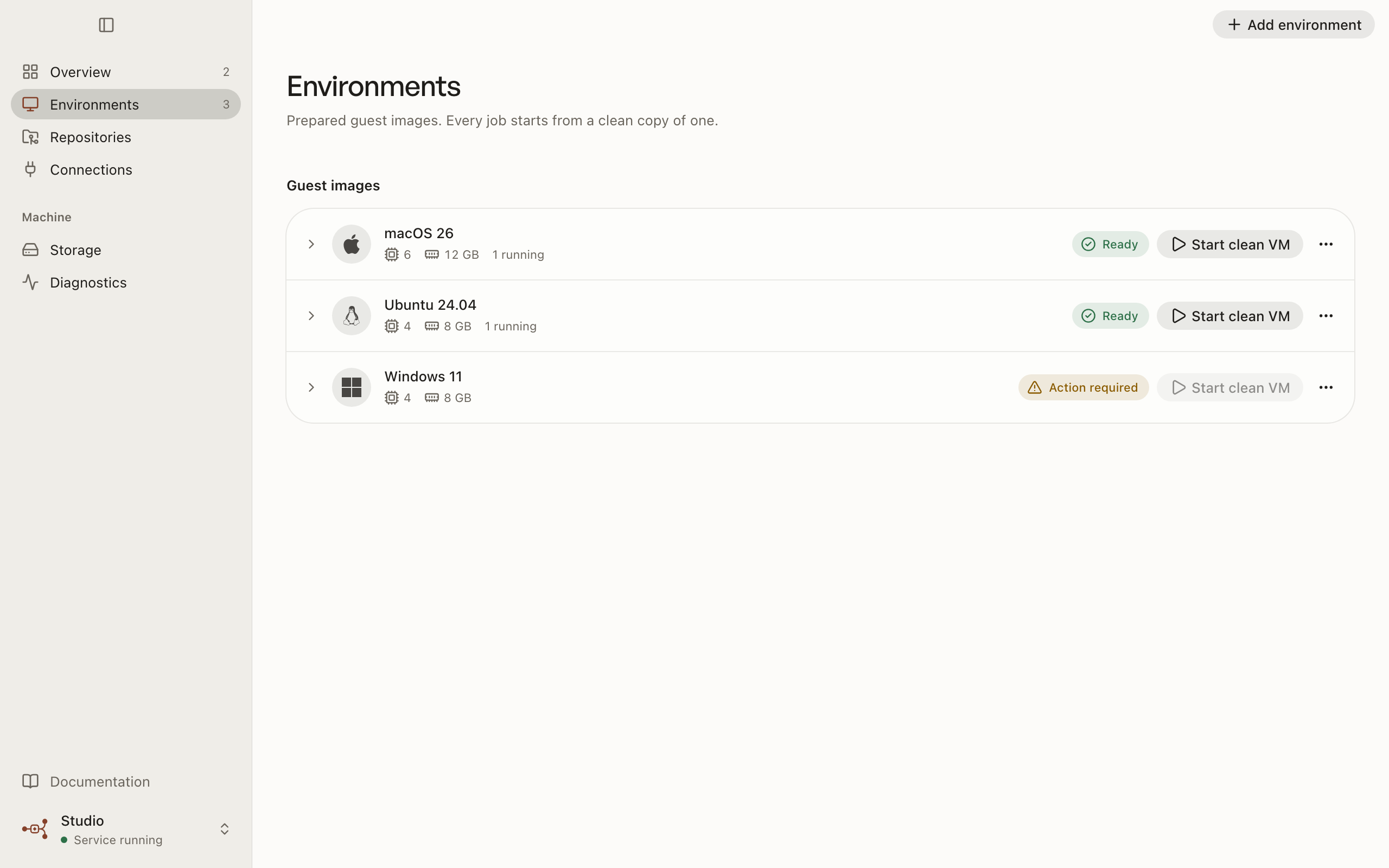
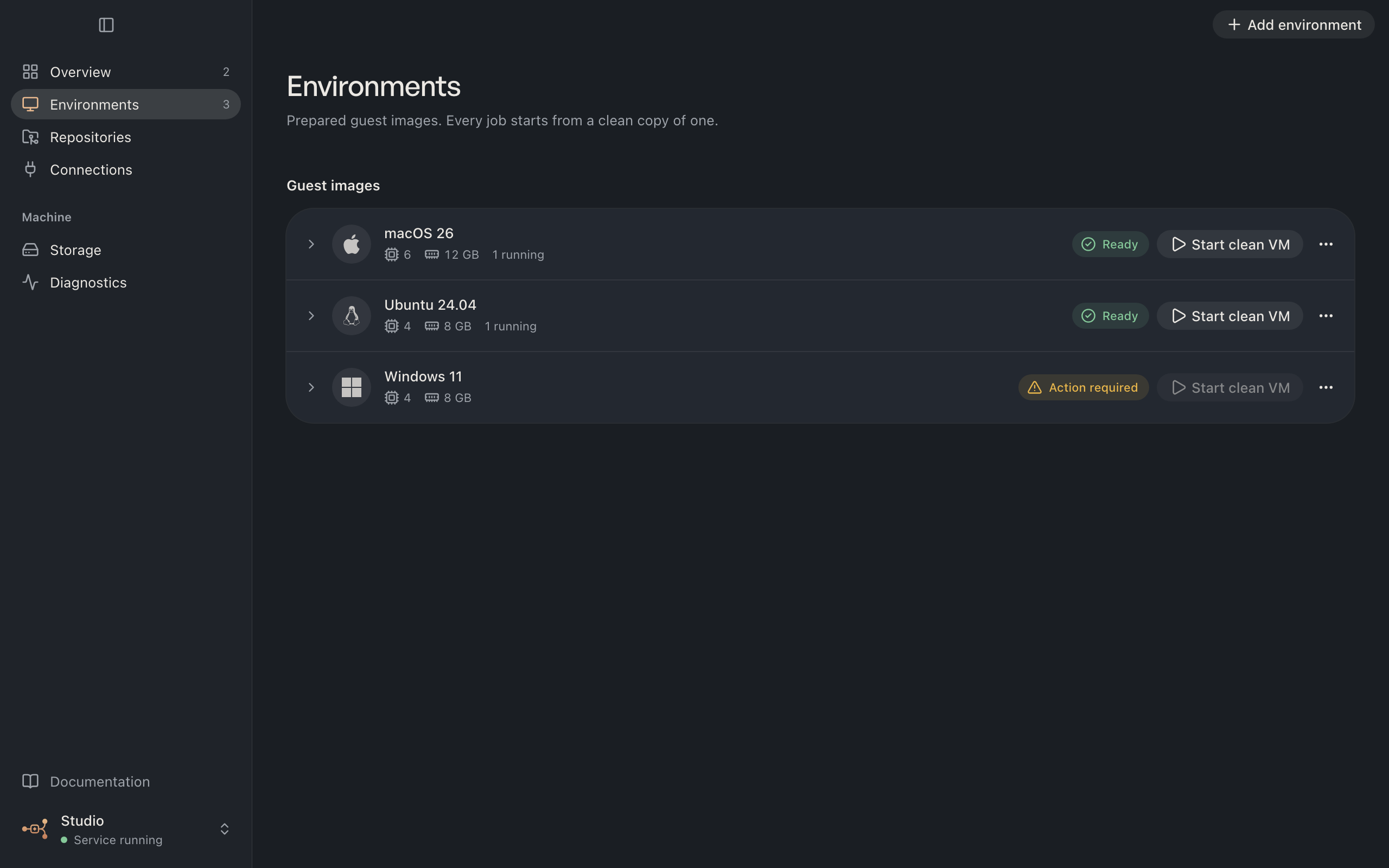
Prepare a guest once.
Vectis downloads macOS 26 from Apple and Ubuntu 24.04 from Canonical and checks each image against a pinned SHA-256 before using it. Windows 11 support is experimental: it installs from your own ISO, drivers, firmware and license, with a software TPM, and needs QEMU installed separately.
Linux environments can optionally run x86_64 tools through Rosetta, including x86_64 binaries and linux/amd64 containers. The runner itself stays ARM64.
You decide the CPU, memory and disk for each environment, and where images and VM disks live, external drives included. Vectis keeps a quarter of your memory free for macOS.
$ vectis environment prepare-linux ubuntu-24-arm64 \ --image-directory /Volumes/Runner/images \ --storage-path /Volumes/Runner/vms \ --cpu 4 --memory-mib 8192 --disk-gib 32 --json$ vectis operation wait op_52aa --timeout 3600000 --jsonRunners that start themselves.
Turn on automatic runners for a repository and Vectis watches for queued jobs that ask for your labels. An idle, unpaused Mac picks up the demand on its next heartbeat and starts one runner at a time.
It never retries a failed or cancelled job on its own, and it is off until you enable it for each repository.
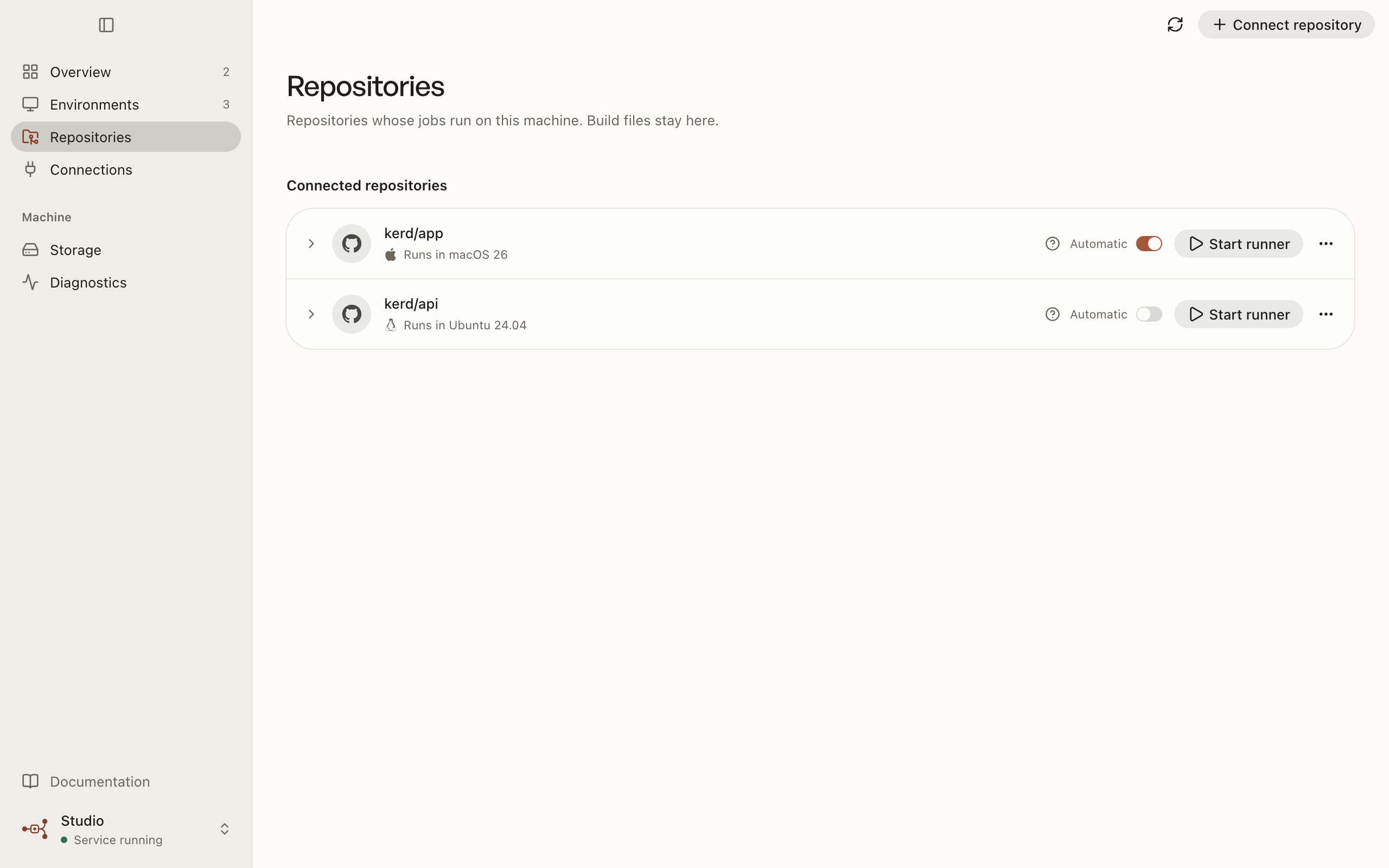
Read a job's log from anywhere.
Read the log of a GitHub job from the app, with vectis job logs, or through the MCP tool vectis_job_logs. Follow a running job from the terminal, or let an agent page through the log with a cursor.
Vectis keeps the last 4 MiB of each log and preserves GitHub's secret masking.
$ vectis job logs 9482105 --binding bind_app --follow2026-10-14T09:12:03Z Run pnpm test2026-10-14T09:12:09Z Tests 128 passed (128)Know what is missing before you connect.
A readiness check lists each prerequisite for a repository: your cloud connection, GitHub account, App installation, admin rights, fork approval policy and environment. Every check has a status, a code and the next step.
It is available in the connect dialog, as vectis repository readiness and asvectis_readiness. vectis doctor reports the runtime components of your Mac the same way.
$ vectis repository readiness acme/app --json{"ready": false, "checks": [ {"id": "admin_rights", "status": "ok", ...}, {"id": "fork_approval", "status": "blocked", "code": ..., "nextStep": ...}]}Decide who can use this Mac.
For each repository connection, limit which GitHub users, by numeric ID, can start runners, and optionally require your approval of each job before it runs.
Once GitHub assigns a job, a job-started hook inside the VM checks it again and stops the runner if it does not match.
$ vectis repository access bind_app --actors 1024,2048 --approval required --wait --jsonRerun, cancel and dispatch.
Rerun failed jobs, cancel a run, or dispatch a workflow from the app, the CLI or MCP. If GitHub's answer is ambiguous, Vectis reports that the run needs attention instead of retrying it.
This needs you to approve the GitHub App's updated Actions permission.
$ vectis run rerun-failed bind_app 77123 --wait --json$ vectis run cancel bind_app 77123 --wait --json$ vectis workflow dispatch bind_app test.yml --ref main --wait --jsonBuilt for agents, not bolted on.
The app, the CLI and the MCP server use one typed client, so agents get the same controls you do. Every CLI command answers in JSON, errors carry a stable code and a next step, and an operation that needs a person exits with code 3 instead of pretending to succeed.
A portable agent skill explains the safe way to drive Vectis, and every documentation page is also available as Markdown through llms.txt.
MCP tools
- vectis_status
- vectis_capabilities
- vectis_command
- vectis_wait
- vectis_operation
- vectis_activities
- vectis_activity
- vectis_logs
- vectis_job_logs
- vectis_jobs
- vectis_repositories
- vectis_readiness
- vectis_storage
- vectis_doctor
- vectis_github_accounts
- vectis_github_connect
- vectis_service
- vectis_cloud
- vectis_machines
A pull request, not a rewrite.
Vectis reads your workflow files and changes only the jobs it knows can run on ARM64. It leaves x64 jobs, reusable workflows, dynamic matrices and privileged triggers alone and tells you why.
Publishing opens an ordinary pull request after one job has succeeded on your runners. Review it like any other change. Vectis never merges it.
$ vectis migration preview .github/workflows/test.yml \ --map ubuntu-24.04-arm=vectis-ubuntu --wait --json{"status": "succeeded", "result": {"changed": true, "findings": [], ...}}$ vectis migration analyze bind_app --wait --json$ vectis migration publish prev_19c3 --wait --jsonControl any of your Macs from any other.
Sign in once and the app, the CLI and agents can control every Mac on your account. Commands queue in the Vectis cloud and each Mac collects them over an outbound connection, so no machine needs an open port.
A remote command never falls back to running locally. Signed-in controllers expire after 90 days and you can revoke them at any time.
$ vectis login$ vectis machine list --json$ vectis status --machine studio --json$ vectis runner run bind_app --machine studio --jsonA Mac app that tells the truth.
The Vectis app shows what the local service actually reports: running, waiting for you, unsupported on this Mac, or done. Close the window and the service keeps running your jobs in the background. It sends a native notification when Vectis needs you or work fails.
Prefer the terminal? Everything in the app is also in the CLI, with the same names and the same results.